 Clipmere
Your clipboard, with a little more room
Good ideas deserve a second use.
The line you wrote. The image you need. The link you meant to keep. Bring them back into your workflow with a quiet clipboard workspace for Mac.
Made for macOS 26+ · First release in preparation
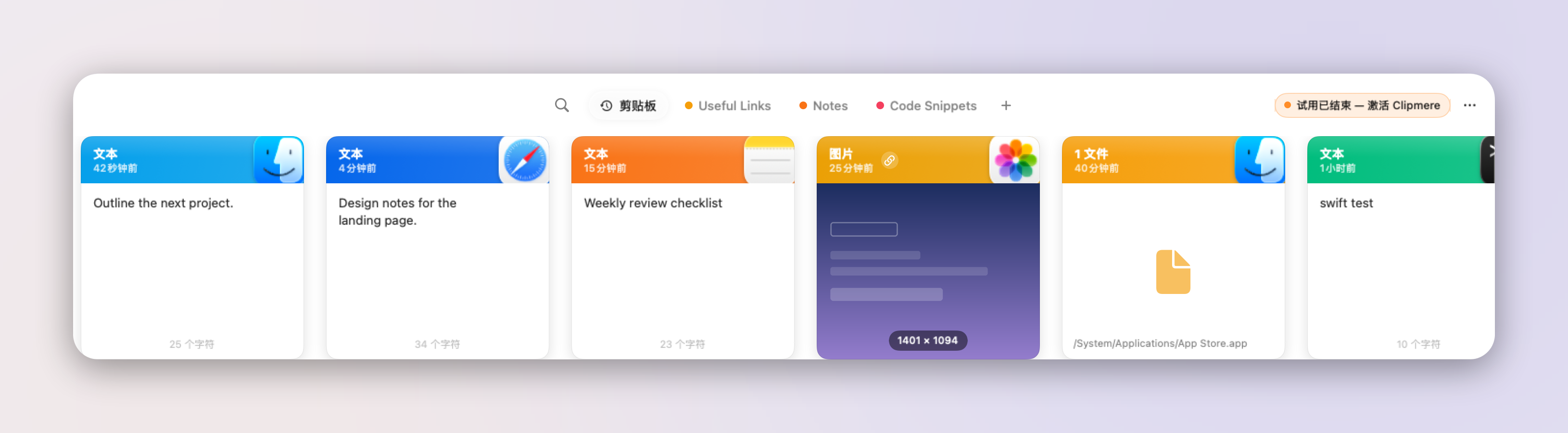
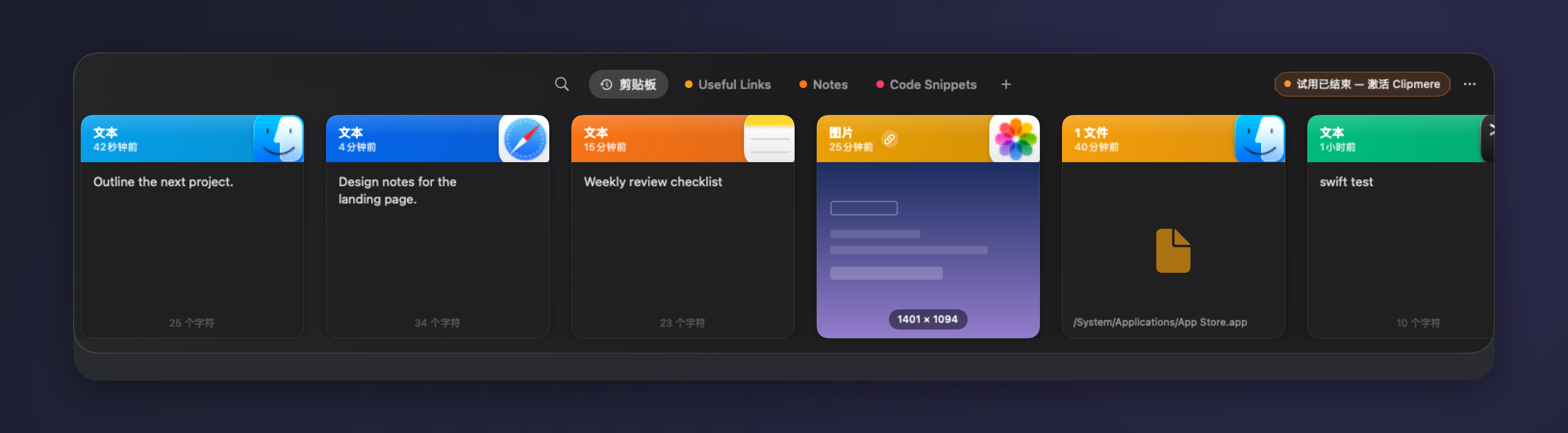
A small space for everyday work
Collect. Find. Use again.
Less switching between windows. More of the useful things you already have.
Pick up where you left off
Browse recent text, images, links and file references in one panel. Your history is stored on your Mac.
Find the right fragment
Search text and narrow your history by content type or source app instead of copying the same thing again.
Keep a reusable collection
File useful items into pinboards so they stay apart from everyday history and its automatic retention rules.
Stay in your flow
Use keyboard selection, multi-item actions and plain-text pasting. Customize the shortcut to fit the way you work.
Choose your connections
iCloud sync requires a supported build and your choice to enable it. Image hosting uses storage you configure and requires activation.
Set your boundaries
Pause capture, exclude apps and set history retention. Sensitive-content markers are respected by default, but cannot identify every secret.
Know where your data goes
Local history. Explicit connections.
Clipboard storage starts on your Mac. Cloud sync, link previews and image uploads have different data flows; licence checks and update requests also use the network. We explain each separately.
A considered start, not a rushed download.
Clipmere 1.0.0 is being prepared for its first release. The public download will be announced on this site.
Release availability will be announced on this site.